
Service

Automations & AI

Boring back-office automations that save your team 10+ hours a week — plus the AI workflows that actually pay off.

Engineer reviewing a workflow-automation diagram and AI visualization on large screens — automations and AI by NTL of NYC.
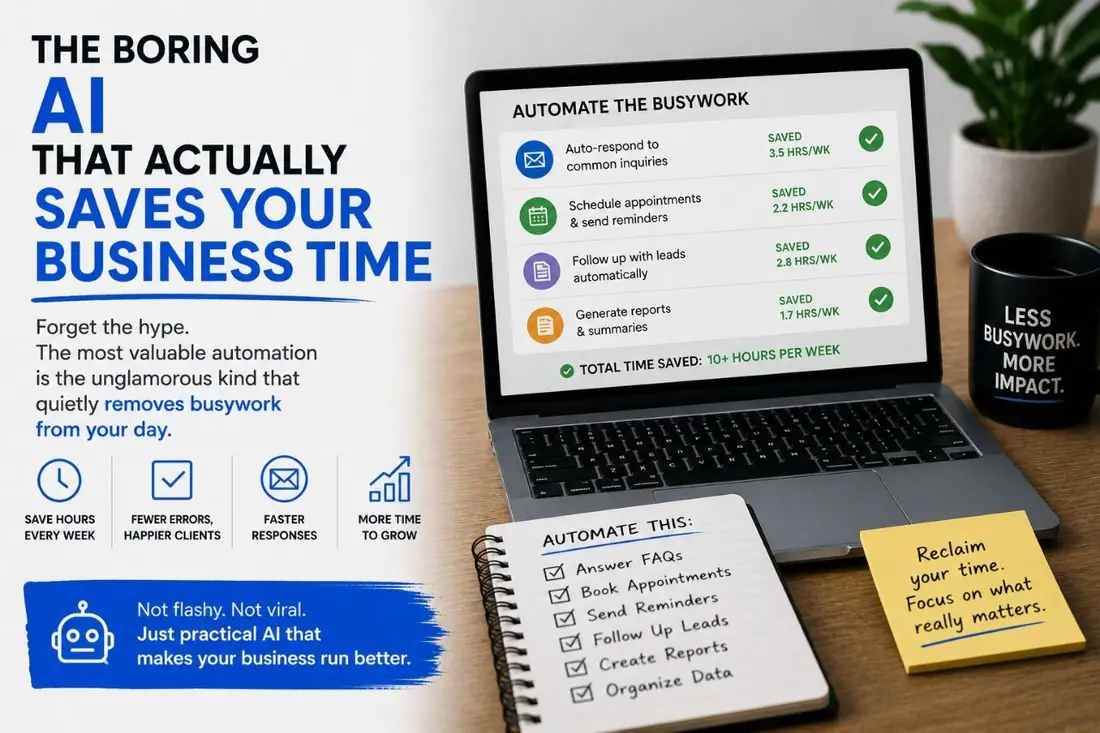
Back-office automations that save 10+ hours a week.
2007In business since
100sof small businesses ranked
6Global offices, one accountable team
Why this matters

The problem we solve

Most small businesses lose hours every week to repetitive work that should never have required a human in the first place. Copying customer info from a form submission into a CRM. Manually sending a follow-up text to a new lead. Re-typing the same quote into three different systems. Manually asking for a review after a clean closes. Manually generating a weekly report by exporting from four platforms and pasting into a spreadsheet.

The AI hype cycle has not made this better — it has made it confusing. Founders read about LLMs and think they need an "AI strategy" before they have automated the boring stuff that actually steals time. The reality is the opposite: automate the routine, repetitive, low-judgment work first (which usually does not require AI at all), then layer AI on top of the workflows where it actually adds value (drafting, summarization, classification, content generation).

Our automations + AI service is the opposite of a slide deck about "AI transformation." We map the actual workflows in your business, identify the 5-10 highest-leverage automation opportunities, build the simplest possible solution for each, and only reach for AI where it earns its place. Most clients save 10-25 hours per week within 90 days.
Quick read

Want a free audit of where your business stands right now?

30-minute call. We'll look at your site, your search visibility, and tell you the 2-3 highest-leverage moves.

How we work

Our approach

A repeatable playbook refined across hundreds of small-business engagements since 2007.

  1. 1

    Process audit — where time actually goes

    Two-week mapping session with the team that actually does the work. We follow leads from first touch through to close. We follow customers from purchase through to repeat. We follow team workflows that happen weekly or monthly. Output: a written process map with hour estimates per task, and a ranked list of the 5-10 highest-leverage automation opportunities — sorted by hours-saved-per-week.

  2. 2

    Quick wins — lead routing, SMS, calendar

    Build the obvious-but-high-impact automations first. New form submission → CRM record created + Slack alert + SMS to the salesperson within 30 seconds. Calendar bookings flow into the CRM with context attached. Review requests sent automatically 24 hours after a closed job. These are not glamorous — they save 5-10 hours per week and pay for the engagement in the first month.

  3. 3

    Connective tissue — CRM, tools, reporting

    Build the integrations between the tools your business already uses but that do not talk to each other. Quote tool ↔ CRM ↔ accounting. Customer-service inbox ↔ CRM ↔ Slack. Marketing email ↔ CRM ↔ revenue attribution. Weekly reports that previously took someone two hours to assemble now generate themselves and land in Slack on Monday morning.

  4. 4

    AI augmentation — where it earns its place

    Layer AI selectively on workflows where it adds clear value. AI-drafted first responses to common customer inquiries (human reviews before sending). AI-summarized weekly KPI dashboards in plain English. AI-assisted content drafting for blog posts and social. AI-powered transcription and action-item extraction from sales calls. We are honest about where AI is reliable enough to deploy and where it still hallucinates badly enough to need a human gate.

  5. 5

    Maintenance — keeping automations honest

    Automations break. APIs change. Third-party tools update or deprecate features. A typical automation has a lifespan of months without active maintenance. Our ongoing engagement includes monitoring (alerts when automations fail), monthly review of what is still working, and quarterly refactoring of anything that has gotten flaky.

Scope

What's included

Every engagement covers the work below — adjusted to where your business actually is.

  • Process audit (mapping workflows, time-per-task, ranked opportunity list)
  • Lead routing automation (form → CRM → SMS → Slack within 30 seconds)
  • Calendar booking integration (Calendly, Cal.com, or built-in) flowing to CRM
  • Automated review-request workflow (post-job SMS / email with one-tap review path)
  • CRM integration with your existing tools (HubSpot, Pipedrive, GoHighLevel, custom)
  • Quote and invoice automation (template + send + payment tracking)
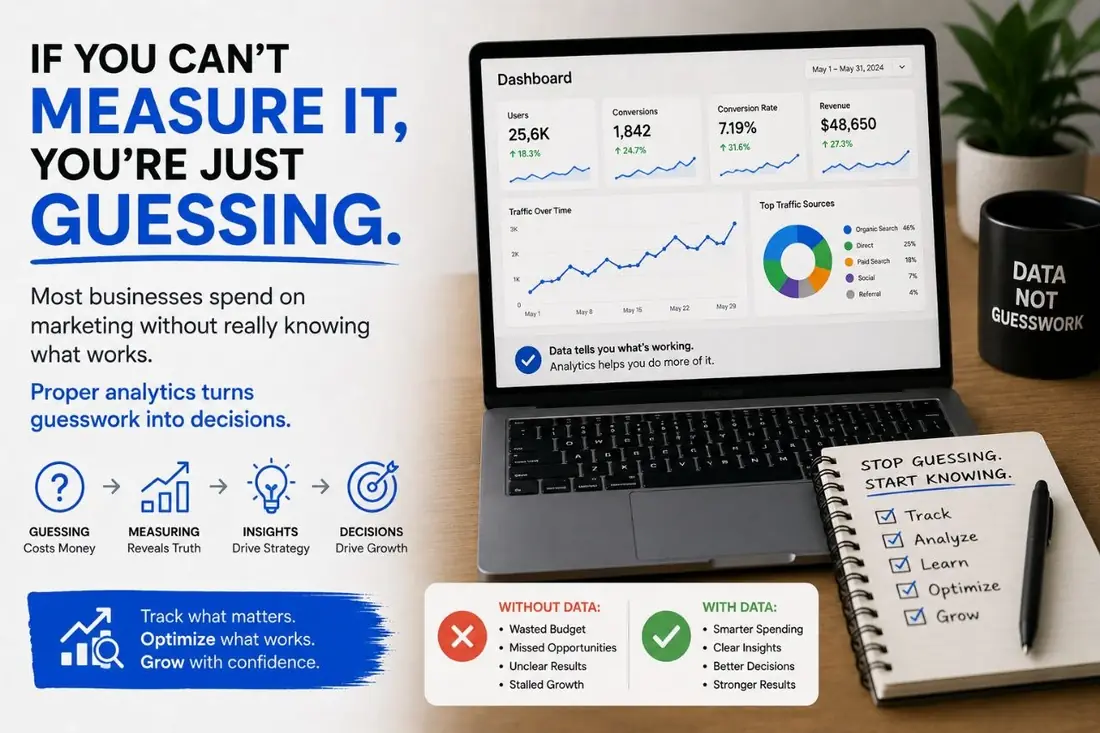
  • Weekly automated KPI report (replaces manual spreadsheet assembly)
  • AI-drafted first responses to common inbound inquiries (with human review)
  • AI-summarized customer-call transcripts with action items extracted
  • AI-assisted content drafting workflows (blog, social, email)
  • Monitoring and alerting when automations fail
  • Quarterly maintenance review and refactoring
Industries

Built for businesses like yours

We tailor every engagement to the specifics of your vertical — same playbook, different application.

FAQ

Common questions

Zapier, Make, n8n, or custom code — which do you use?
Whichever is right for the job. Zapier is fast to build and easy to maintain but expensive at volume. Make is more powerful for complex multi-step workflows. n8n (self-hosted) is best for businesses that want full ownership and low marginal cost. Custom code is right when the workflow is critical, high-volume, or needs logic that no platform handles cleanly. We pick honestly per automation, not based on what we like to build.
Is AI actually reliable enough to put in production?
Depends on the use case. AI for drafting (first-draft content, response templates, summaries) where a human reviews before publishing or sending: yes, reliable and time-saving today. AI for classification (routing, tagging, sentiment): mostly yes, with monitoring. AI for autonomous action without a human in the loop (auto-sending emails, auto-publishing content, auto-making decisions that affect revenue): rarely, and only with strict guardrails. We are honest about the failure modes and where the technology still requires supervision.
What about privacy — are we sending customer data to OpenAI?
Depends on the workflow. For routine, low-sensitivity tasks (drafting blog outlines, summarizing public information), using OpenAI or Anthropic directly is usually fine. For workflows touching customer PII or business-confidential data, we use enterprise-tier APIs with data-retention disabled, or run open-source models (Llama, Mistral) on infrastructure you control. We are transparent about which data goes where, and you have the final call on the privacy posture.
What is the ROI horizon?
Quick wins (lead routing, SMS follow-up, review automation) typically pay for themselves in the first month — they recover 5-10 hours per week of staff time, which is usually $2,000-$5,000 of labour cost saved monthly. Bigger integration projects (CRM connectivity, reporting automation) typically pay back within 3-6 months. AI augmentation has variable ROI depending on use case — content drafting is usually a clear win; AI-driven decisions in revenue-critical workflows take longer to dial in.
What happens when an automation breaks?
Every automation we build includes monitoring and alerting — if a flow fails, we know within minutes, not days. For clients on ongoing retainer, we triage and fix automations as part of the engagement. For one-off projects, we deliver documentation so your team can troubleshoot, with the option to engage us reactively when something breaks. Most automation failures are upstream changes (an API deprecating, a tool updating its data structure) — they are predictable and fixable.
Can you also train our team to manage automations going forward?
Yes — we offer team training as part of larger engagements. The reality is that for most small businesses, having a dedicated person manage automations in-house is overhead they do not need; staying on a retainer where we handle maintenance is usually cheaper. But for teams that want to bring this in-house, we have done training sessions that cover Zapier/Make workflow design, AI prompt engineering, and the operational discipline of monitoring + iteration.

Ready to see what automations could do for your business?

Free 30-minute consultation. We'll look at where you are, tell you straight if we're the right team, and give you a candid read on what would actually move the needle.