
























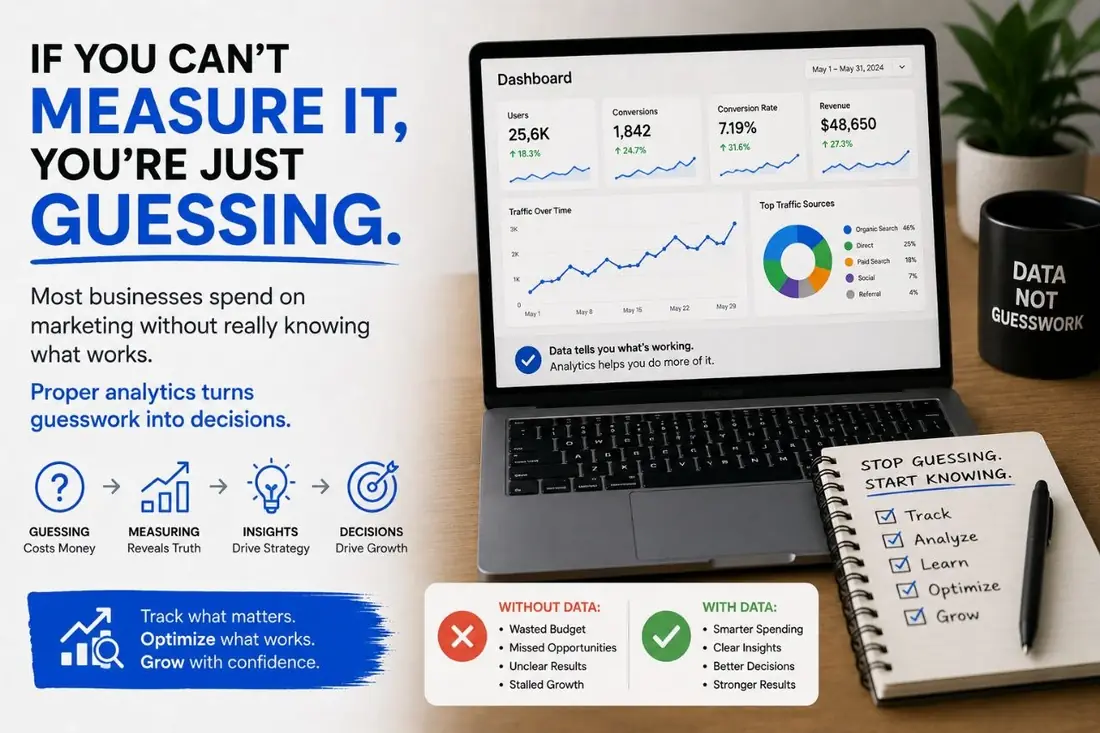




The single most common analytics scenario we walk into: GA4 installed, default configuration, six months of data, and zero ability to answer the question "which marketing channel is producing our revenue?" Default GA4 cannot tell you that. You have to teach it.
Here is the stack we configure on every NTL of NYC engagement, and why each piece matters.
- Default GA4 can't tell you which channel drives revenue — you have to configure it.
- Standardize 8 custom conversion events (form submits, CTA, phone, email, chat, video, checkout).
- Add server-side tagging to recover the 20–30% that browser analytics now loses.
- Report it in one Looker Studio dashboard: weekly snapshot, monthly deep-dive, quarterly review.
The 8-event taxonomy we standardize on
Out of the box, GA4 tracks page views, scrolls, and clicks. That is conversational, not actionable. We add 8 custom events on every client site:
- lead_form_submit — any meaningful form (contact, quote, demo request) with the form name as a parameter
- cta_click — primary call-to-action clicks, with location ("hero", "footer", "blog_inline") as a parameter
- phone_click — clicks on tel: links, which on mobile equal a phone call
- email_click — clicks on mailto: links
- chat_open and chat_lead_captured — separates browsing chat from qualified-lead chat
- video_play — for sites where video is part of the funnel
- begin_checkout / purchase — e-commerce, with revenue attribution
Each of these becomes a conversion in GA4, which means you can attribute it to a source, medium, campaign, and landing page.
Server-side tagging where it matters
Browser-based analytics is becoming less reliable every year. Safari blocks third-party cookies. iOS Mail Privacy Protection breaks open tracking. Ad blockers eat 20–30% of pixel fires. The fix: server-side tagging via Google Tag Manager's server container, hosted on a subdomain you control.
Server-side tagging recovers most of what client-side loses, and it stops giving sensitive customer data directly to third parties. We deploy it for any client where the analytics decision matters more than the install effort — usually everyone above seven-figure revenue.
The dashboards we build
GA4's default reports are designed to overwhelm. We build a single client-facing Looker Studio dashboard with three views:
- Weekly snapshot — traffic by channel, leads by channel, conversion rate trend. Read in under 30 seconds.
- Monthly deep dive — landing page performance, content engagement, attribution by source. Used in the monthly client call.
- Quarterly review — channel mix shifts, content ROI, paid vs organic ratio, year-over-year. Used in strategic planning.
What you gain from this stack
Stop guessing which marketing is working. Stop letting the loudest channel take credit. Stop renewing a $5,000/month paid spend that was actually being carried by organic. The analytics setup pays for itself the first time it changes a budget decision.
If your current GA4 install is "ran the setup wizard once two years ago", we should talk before you spend another dollar on traffic.
Common questions
Why is default GA4 not enough? Out of the box it tracks pageviews but not the events that matter, so you cannot tell which actions actually drive revenue.
What should a proper analytics setup include? A clear event taxonomy, conversion tracking, attribution, and dashboards reviewed on a regular cadence.
How soon should analytics be set up? On day one. Without clean measurement from the start, you are optimizing on guesses.