




















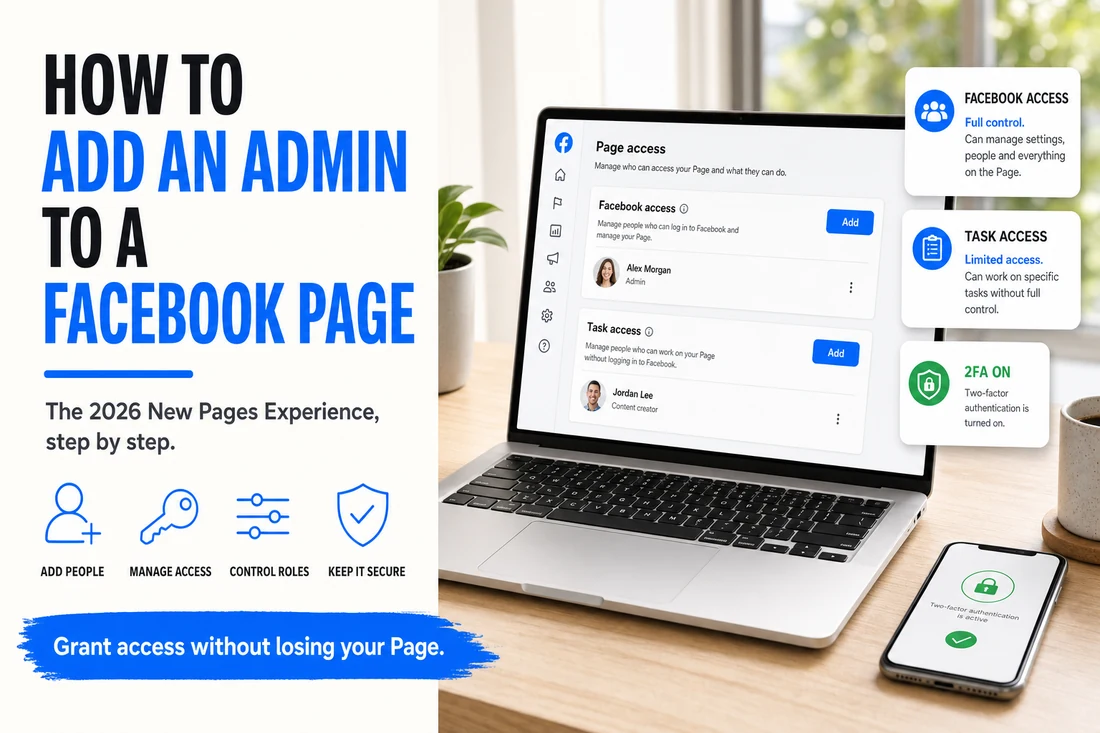
Facebook Page permissions are one of the most frustrating administrative areas in business marketing because Meta keeps changing the interface and role names. If you last added an admin to a Page in 2021, the steps are almost completely different in 2026. Here is where things stand right now.
- Most Pages are now on the New Pages Experience — check Settings → Page Access.
- Grant Facebook access (full) only to owners; give staff and agencies task access.
- Invitees need a personal Facebook profile and must accept within 30 days.
- Turn on 2FA and audit access quarterly — access creep is a real risk.
Classic Pages vs. the New Pages Experience
Meta has been migrating all Pages to what they call the "New Pages Experience" (NPE). If your Page has already migrated, the role names and the permission flow are different from the old "Classic" Pages. By 2026, the vast majority of business Pages are on NPE — but some older Pages have stayed Classic, and Meta gives you a different menu depending on which you have.
You can tell which you are on quickly: when you open your Page, if the URL has a digit ID like "facebook.com/profile.php?id=..." or if your admin menu mentions "Page roles," you are likely on Classic. If your URL is a clean facebook.com/YourBrand and the admin menu talks about "Access" and "Facebook access," you are on NPE.
Step-by-step for New Pages Experience (most common in 2026)
- Open Facebook in a desktop browser and sign in as the Page admin.
- Click your Page from the left sidebar.
- Click Manage (gear icon) → Settings.
- In the left menu, find New Pages Experience → Page Access.
- You will see two sections: People with Facebook access and People with task access.
- Click Add new next to either, depending on what level of access you want to grant.
- Enter the person's name or email and select the access level.
- Click Give Access and confirm with your password.
The two-tier access model
NPE uses a simpler two-tier model than the old role system:
- Facebook Access — full admin equivalent. Can post, message, respond to comments, run ads, edit Page details, AND add or remove other people's access. There is a "with full control" option (the most powerful) and "partial control" (cannot remove admins). For a co-owner, "full control" is the right level.
- Task Access — limited permissions for specific functions only. You can grant tasks like Content, Messages and Community Activity, Community Activity, Ads, and Insights. A social-media employee or agency typically gets task-level access for content and messages, not full access.
Step-by-step for Classic Pages (if you have not been migrated)
- Open the Page → click Settings in the bottom-left.
- Click Page Roles.
- Under "Assign a New Page Role," enter the person's name or email.
- Pick a role: Admin, Editor, Moderator, Advertiser, Analyst, or Jobs Manager.
- Click Add and confirm with your password.
Role meanings on Classic: Admin = full control. Editor = can do everything except add/remove other admins. Moderator = can respond to comments and messages. Advertiser = can run ads and view insights. Analyst = view-only access to insights.
Common gotchas
- Pending invitations expire. If the invitee does not accept within 30 days, you have to invite them again.
- The invitee needs a personal Facebook profile. Meta does not allow business-only accounts to be Page admins. Real-name personal accounts only.
- Two-factor authentication is now strongly recommended. A compromised personal Facebook account that has full Page access can lose your entire business presence in hours.
- Friendship is not required. The person you are adding does not need to be your Facebook friend — they just need to accept the access invitation.
- The 24-hour cooldown. When you add someone with full Facebook access, there is a short delay before they can remove other admins. This is to prevent immediate hostile takeovers.
What we recommend for businesses
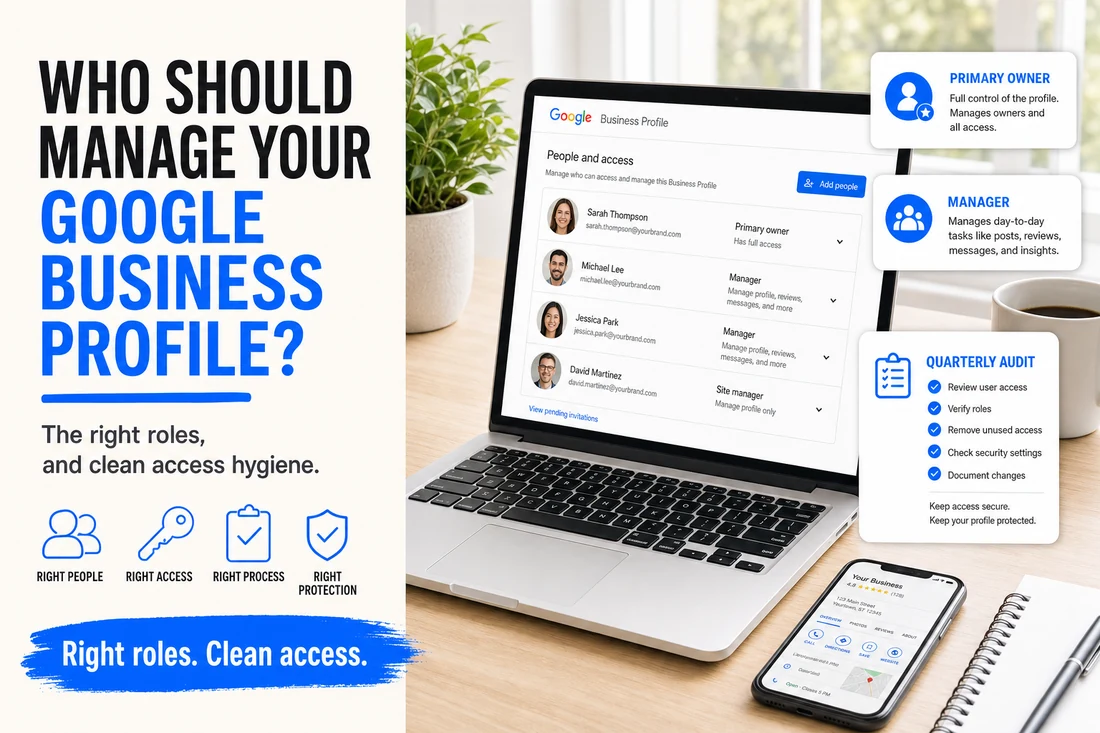
Keep Page access tight. Your founder or owner should always have full Facebook access. Your social media person or agency should have task-level access, not full. Audit the access list quarterly — Facebook access creep is one of the most common security mistakes in small-business marketing.
Common questions
Where are Facebook Page admin settings now? Page access lives in the Meta Business Suite or Page settings under People, where you assign Facebook access with or without full control.
What can a Page admin do? With full control they can manage everything, including settings, content, and other people. Partial access limits them to specific tasks.
How do I safely add an admin? Grant the least access needed, use Business Suite for businesses, and review who has control regularly.