








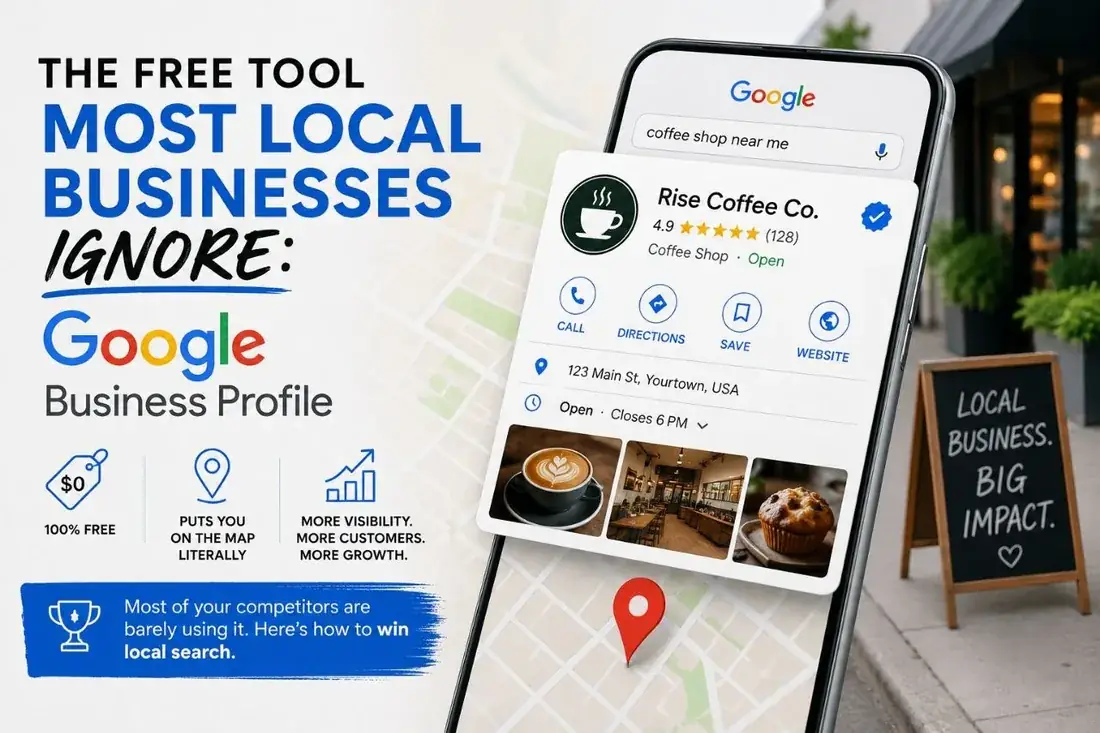

Roughly 46% of all Google searches are local. If your business is not on Google Maps, you are quietly handing high-value, ready-to-buy customers to the competitors who are. Your Google Business Profile (formerly Google My Business) is the single most powerful free marketing asset you have — instant Maps visibility, a place to collect five-star reviews, and real insight into how people find you. Here is how to set it up properly, then make it rank.
- About 46% of Google searches are local — a Business Profile is your most powerful free asset.
- Pick a precise primary category and set address vs service area correctly.
- Verify by phone/email (instant), video (a day or two), or postcard (up to two weeks).
- Then rank it: keyword-rich posts, steady reviews, a seeded FAQ, geotagged photos.
Claim and create your profile
- Sign in. Go to
google.com/businessand click "Manage now" using a standard Google account. - Find or create the business. Type your name; if it appears in the dropdown, claim it. If not, create a new profile.
- Choose type and category carefully. This is critical for ranking. Set whether you are online, a storefront, or a service business, then pick a precise primary category (for example, "Moving Company"). Specific beats generic.
- Address vs. service area. If customers visit you, enter the address. If you go to them — like movers — hide the address and define a service area (e.g. "New York City," "Brooklyn").
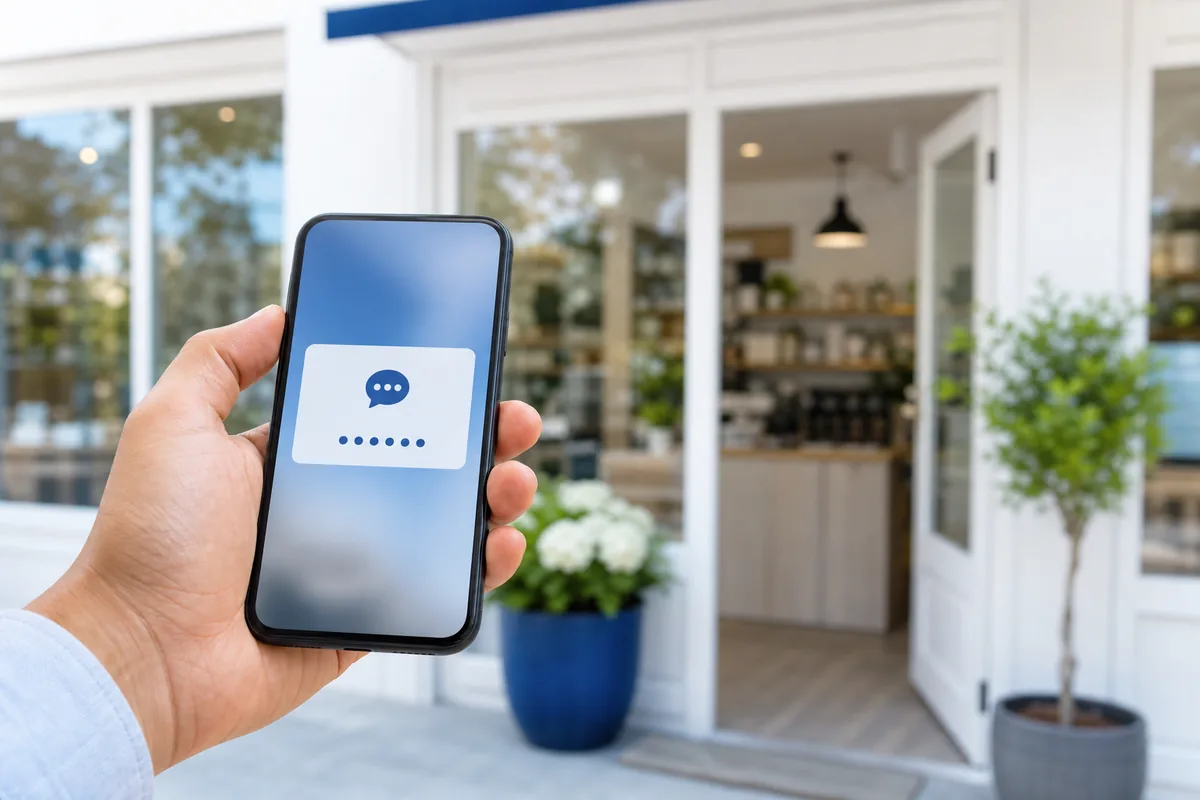
- Verify. Google needs proof you are real. You may be offered phone, text, email, video, or postcard. Phone and email are usually instant; video takes a day or two; postcards can take up to two weeks.
Don't just add it — rank it
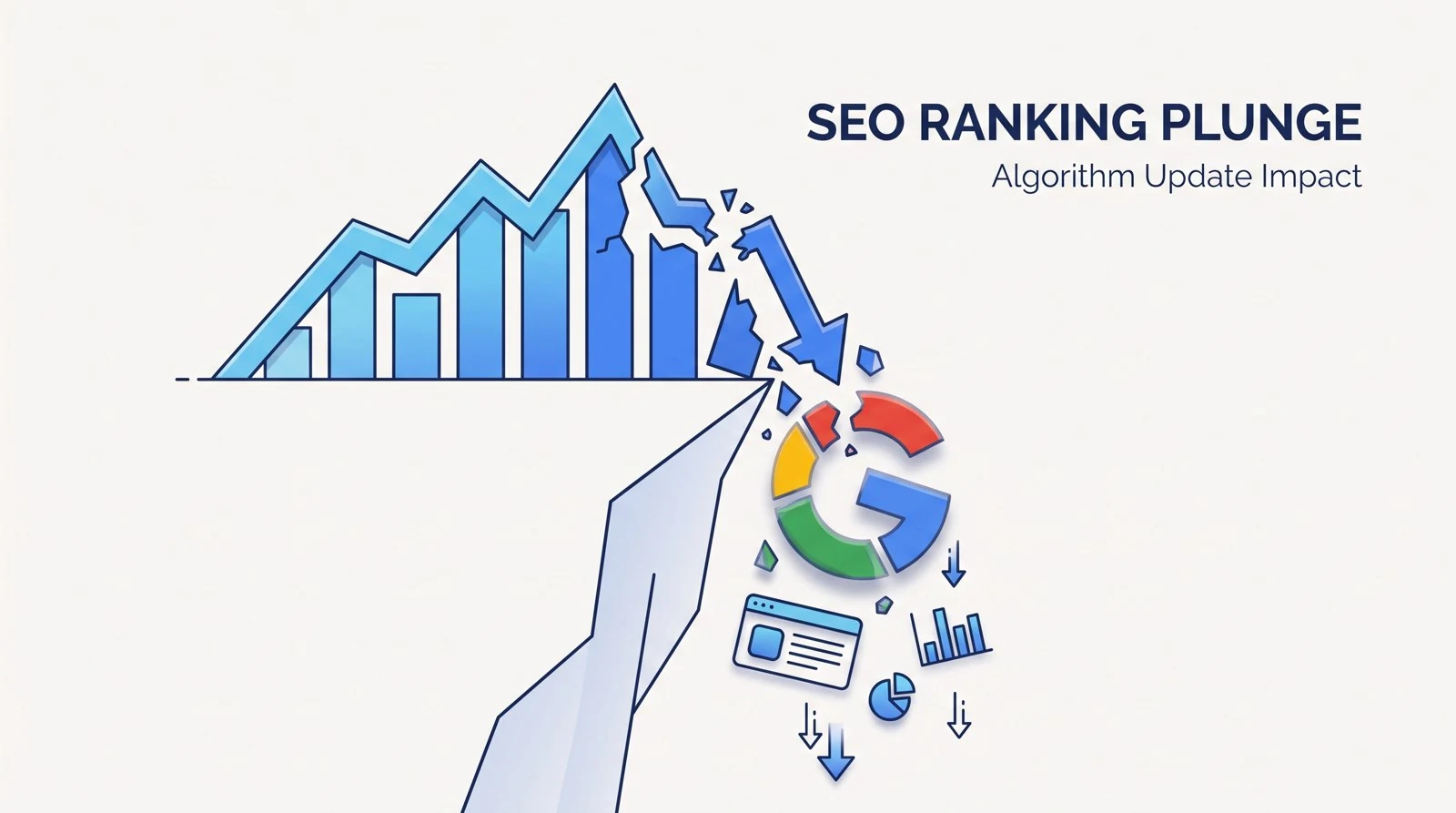
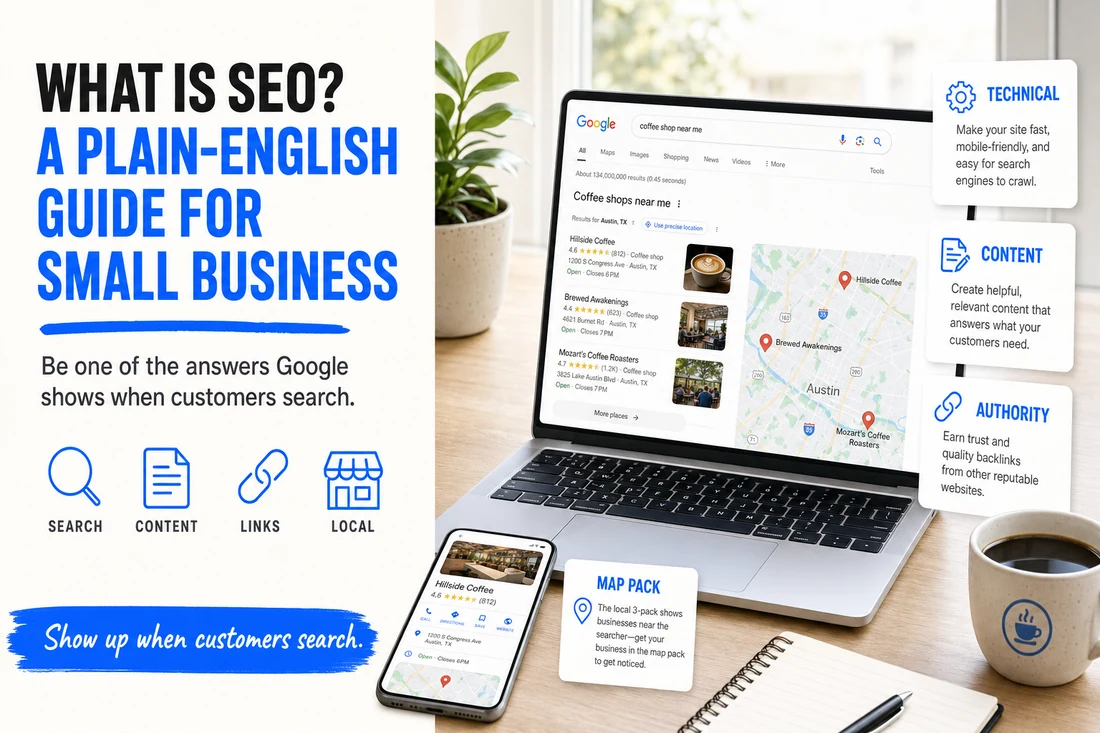
Creating a profile is the easy part. Getting it into the top three of the local "Map Pack" takes strategy. The difference between a basic listing and an optimized one:
- Keyword-rich description and Google Posts that name your services and the areas you serve.
- Automated review-generation campaigns that keep a steady flow of recent, detailed reviews — the strongest local ranking signal there is.
- A pre-populated FAQ seeded with the questions and keywords your customers actually search.
- Regular, geo-tagged photo uploads and accurate hours, which signal an active, trustworthy profile.
A complete, active, well-optimized profile is the difference between being invisible and being the first call a local customer makes. Next, see our guides on adding a manager to your Google Business Profile and ranking in the Google Map Pack.
Common questions
Is it free to add my business to Google? Yes. Creating, verifying and managing a Google Business Profile is completely free. Ignore anyone who asks for payment to keep it active — that is a scam.
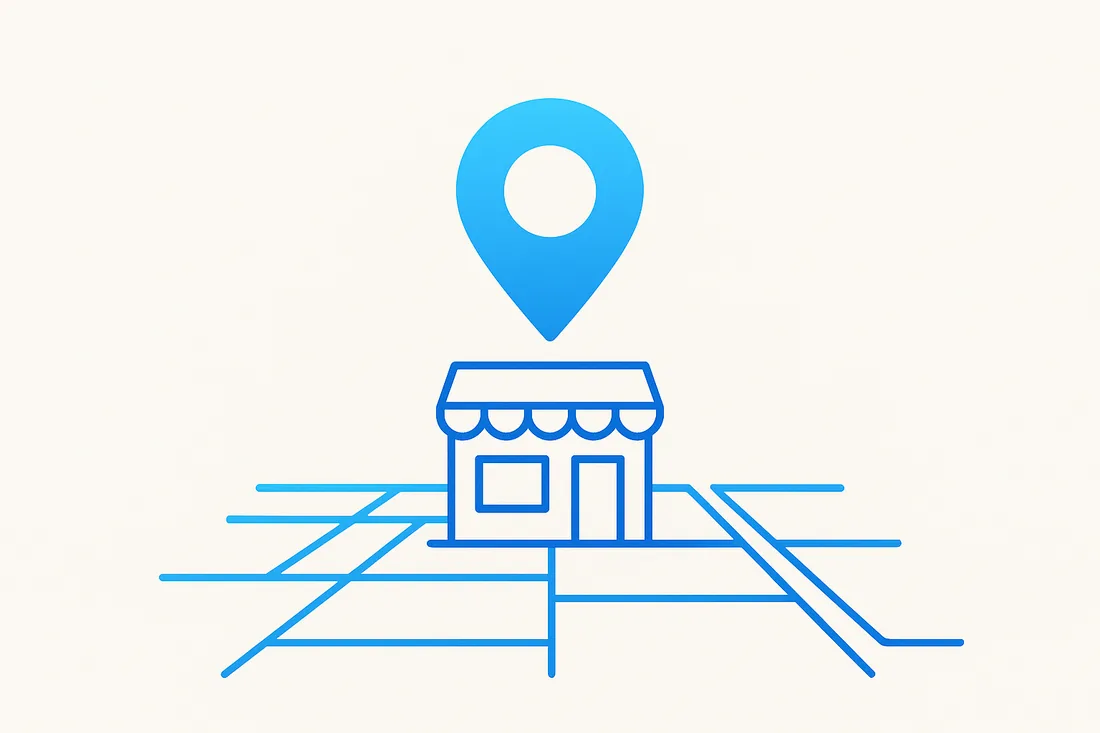
How do I add my business to Google Maps? Adding your business to Google automatically places it on Maps. Search and Maps share the same Business Profile, so once you verify the profile your pin appears on Google Maps.
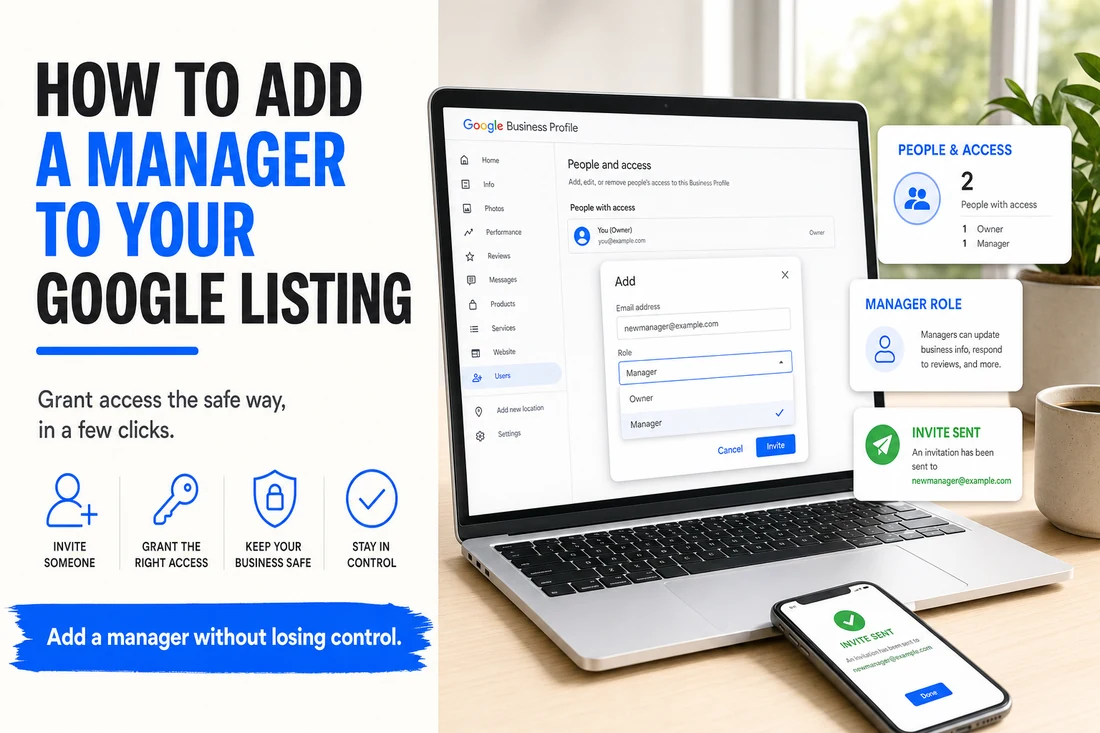
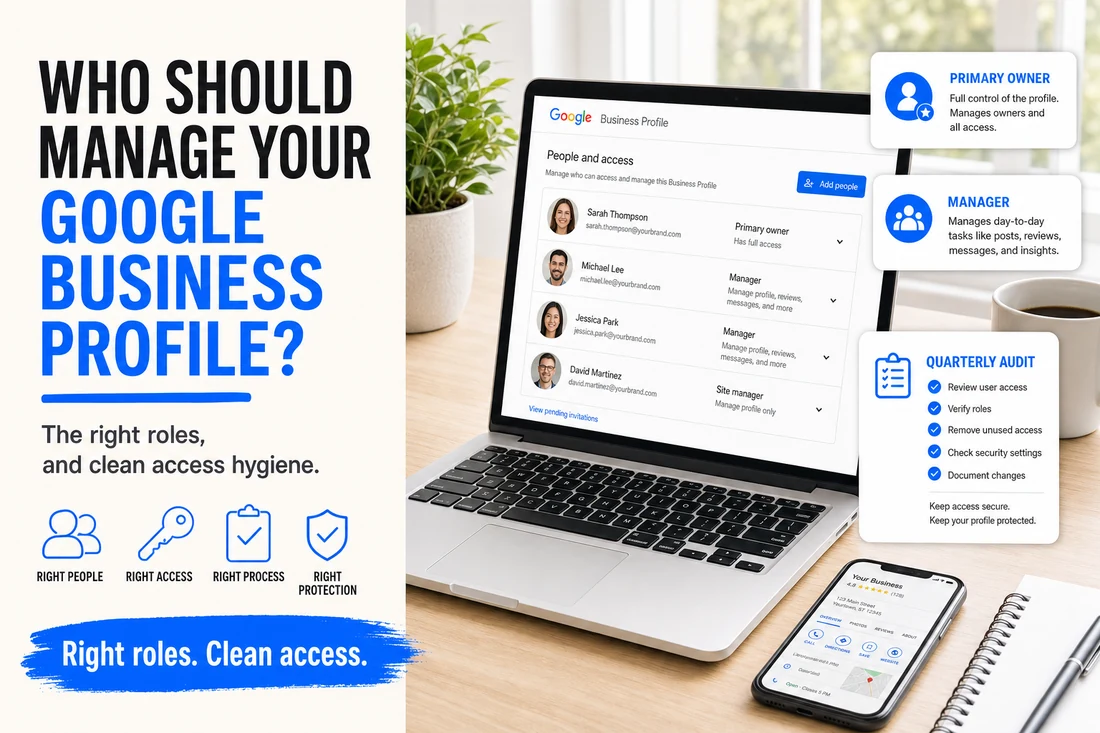
How do I add a manager to my Google Business Profile? Open your Business Profile settings, go to People and access, click Add, enter the person's Google email and choose Manager or Owner. See our full guide on adding a manager for the step-by-step.
How long does Google verification take? Phone and email verification are usually instant, video verification takes one to two days, and a mailed postcard can take up to two weeks.
Why is my business not showing up on Google? Usually it is not verified yet, the category is wrong or too broad, or the profile is incomplete. Verify it, set a precise primary category, fill in every field, and build a steady flow of recent reviews.