









Verification is how Google confirms you actually run the business you claimed. Until you pass it, your profile generally will not show publicly, so it is the step that stands between you and the map pack. Here is every method Google may offer and how long each takes.
- Until you verify, your profile generally won't show publicly.
- Phone, text and email are usually instant when offered.
- Video takes a day or two; a postcard can take up to two weeks.
- Don't edit your business name or address while waiting on a postcard.
Verification methods and timing
| Method | How long | Notes |
|---|---|---|
| Phone or text | Usually instant | Fastest; not offered for every business type |
| Usually instant | Sent to a business email Google recognizes | |
| Video | A day or two | Film your location, signage and proof you manage it |
| Postcard | Up to two weeks | Last resort; don't edit name or address while waiting |
Phone or text
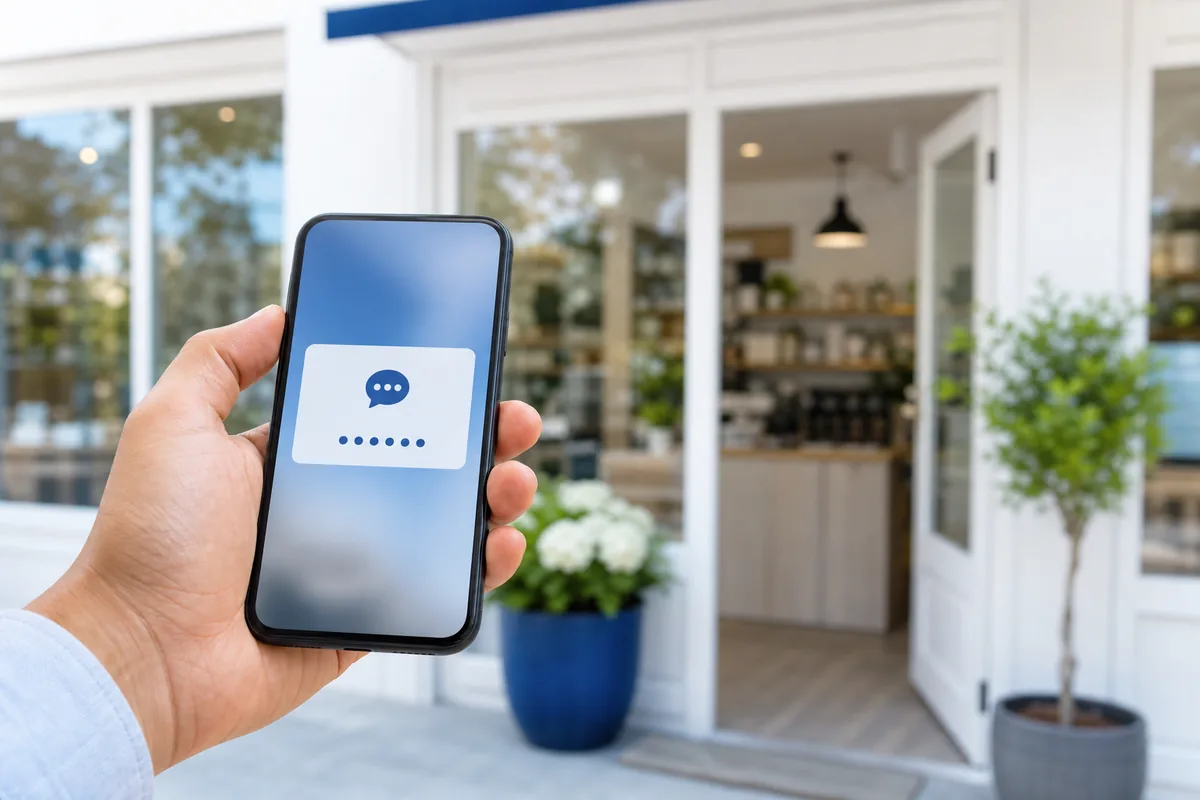
Google calls or texts a code to your business number. This is the fastest option and is usually instant. It is not offered for every business type, so do not worry if you do not see it.
A code is sent to a business email address Google recognizes. Also typically instant when available.
Video verification
Increasingly the default. You record a short video showing your location, equipment or signage, and proof you manage the business. A reviewer checks it, which usually takes a day or two. Film in good light and capture anything that proves the address is real.
Postcard
Google mails a postcard with a code to your address. It can take up to two weeks, so only choose it if nothing faster is offered, and do not edit your business name or address while you wait.
If you are not offered a method
Verification options depend on business type and history. If none appear, make sure your category and address are correct, then try again later or contact Google support. Once verified, finish the job with our setup guide, and if it still will not appear, see why a business does not show up.
Common questions
How long does Google Business Profile verification take? Phone, text and email are usually instant; video verification takes about one to two days; a mailed postcard can take up to two weeks.
What if Google does not offer me a verification option? Available methods depend on business type and history. Confirm your category and address are correct, try again later, or contact Google support.
Do I need to re-verify my profile? Sometimes. Google may ask you to re-verify after major changes to your business information or if it detects suspicious activity.